 StepArt
Learn
Guided steps
Each lesson shows exactly what to draw next. StepArt checks every step and scores your drawing with up to three stars.

StepArt breaks every picture into small, easy steps. Trace each one, get stars for your drawing, and finish a picture you are proud of — in ten minutes a day.
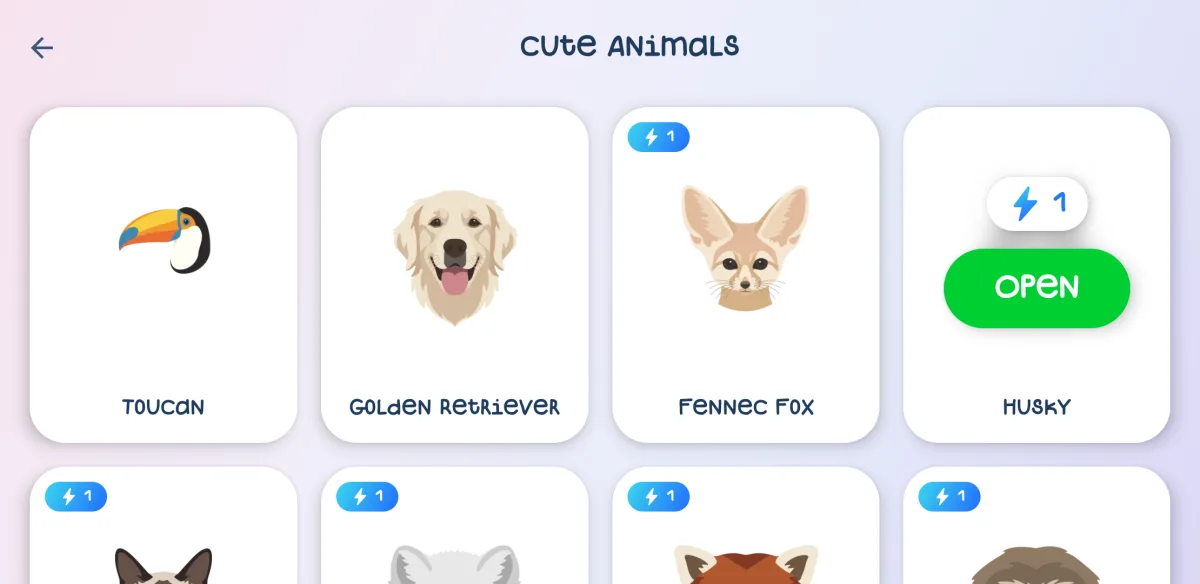


Small steps, instant feedback and a reason to come back tomorrow.
Each lesson shows exactly what to draw next. StepArt checks every step and scores your drawing with up to three stars.
Create a room, share its code and draw one picture together in real time — each of you drawing your own part of it.

No friend around? Draw “with anyone”: StepArt plays back another player's drawing of the same lesson next to yours.

A new free picture of the day, a streak to keep, a collection of everything you've drawn and a style of your own: avatar and brush trail.

Animals, food, flowers, mountains, portraits and more — from very easy to a real challenge.
Fill and outline each part as shown. Made a mistake? Undo it — nothing is final.
See your score, save the picture to your gallery and take the next one tomorrow.
Over 80 lessons in 10 courses, with new ones added regularly.
Red pandaPancakesSunflower Fennec fox
 Sailboat
 Giant panda
 Dango
 Tulip
 Cassette
 Otter
 Jellyfish
 Candle
 Husky
 Croissant
 Mount Fuji
 Froggy
 Polaroid
 Sloth
 Milkshake
 Orchid
 Tamagotchi
 Flower llama
 Sandcastle
 Tent
Yes. Many lessons are free, and every day you get free energy to open more. StepArt PRO opens every lesson at once, removes energy limits and ads, and starts with a free trial.
No. Lessons start with simple shapes and guide every step. If you can trace a line with your finger, you can finish your first picture today.
Open Multiplayer → With friends, pick a duet lesson and create a room. Send your friend the room code; once they join, press Start and draw together.
Yes. StepArt asks for the user's age first. Children get no interstitial ads, only rewarded videos in Google's child-directed mode, and purchases sit behind a parental check.
Write to support@stepart.app or see the support page.
StepArt is coming soon to Google Play.
Coming soon to Google Play